Educational web product · Browser speech APIs
English Learning App
A browser learning loop for Arabic speakers: explore English vocabulary, hear a word, check pronunciation, complete listening and scramble exercises, and return to the words that need another attempt. Speech input is progressive, so the rest of the experience remains usable when recognition is unavailable.
- Web Speech API
- Arabic RTL
Pronunciation input needs Chrome, Edge or Safari.
What it is
English Learning is an Arabic right-to-left browser application that teaches English vocabulary through sound, practice and review. The interface keeps English words and examples beside Arabic meaning while browser speech turns each item into something the learner can hear and repeat.
The portfolio recreation opens directly as a fictional learner, with no account and no demo backend.
How the learning loop works
The browser uses speechSynthesis to play an English word or example sentence. For pronunciation practice, SpeechRecognition or webkitSpeechRecognition returns a transcript that is normalised and compared with the target, producing a match percentage and a plain-language verdict.
Listening and word-scramble questions form a six-question round. Wrong answers feed a review list where each word can be retried, while a session score preserves the learner's progress for the current visit.
Speech is progressive enhancement: unsupported recognition, refused permission, silence and timeout have explicit states, and a sample-transcript comparison remains available with clear labelling. The rest of the exercises continue without microphone input. Recognition is performed by the browser's own speech service, so where that service runs is a browser and platform decision rather than an application one.
Practice, feedback and review
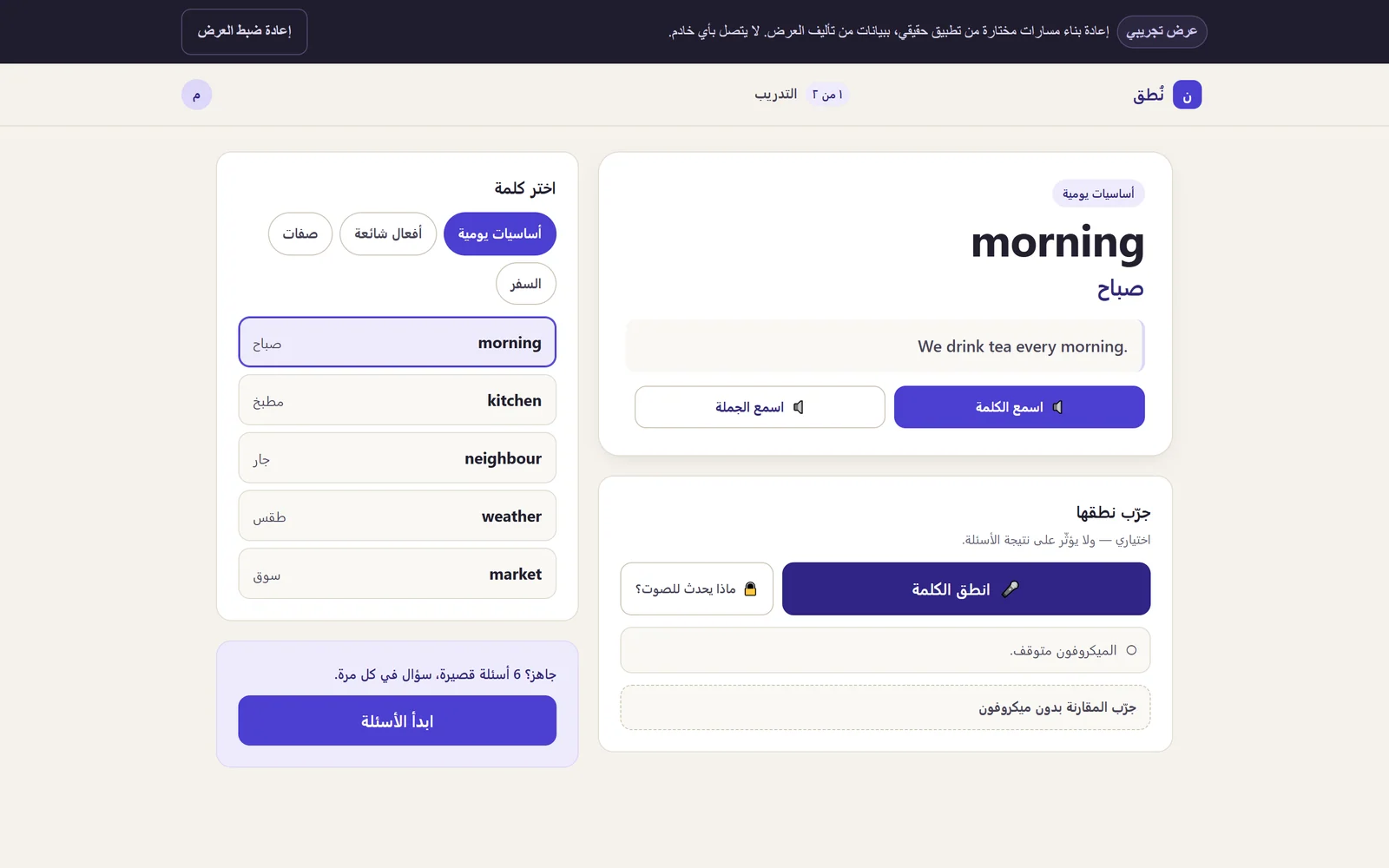
The selected views follow one session: the practice surface with its listen and speak controls, the pronunciation comparison and its explicit optional framing, an assisted listening retry, a completed word-ordering exercise, the end-of-session review where missed words can be retried, and the same right-to-left flow on a phone.
Evidence gallery
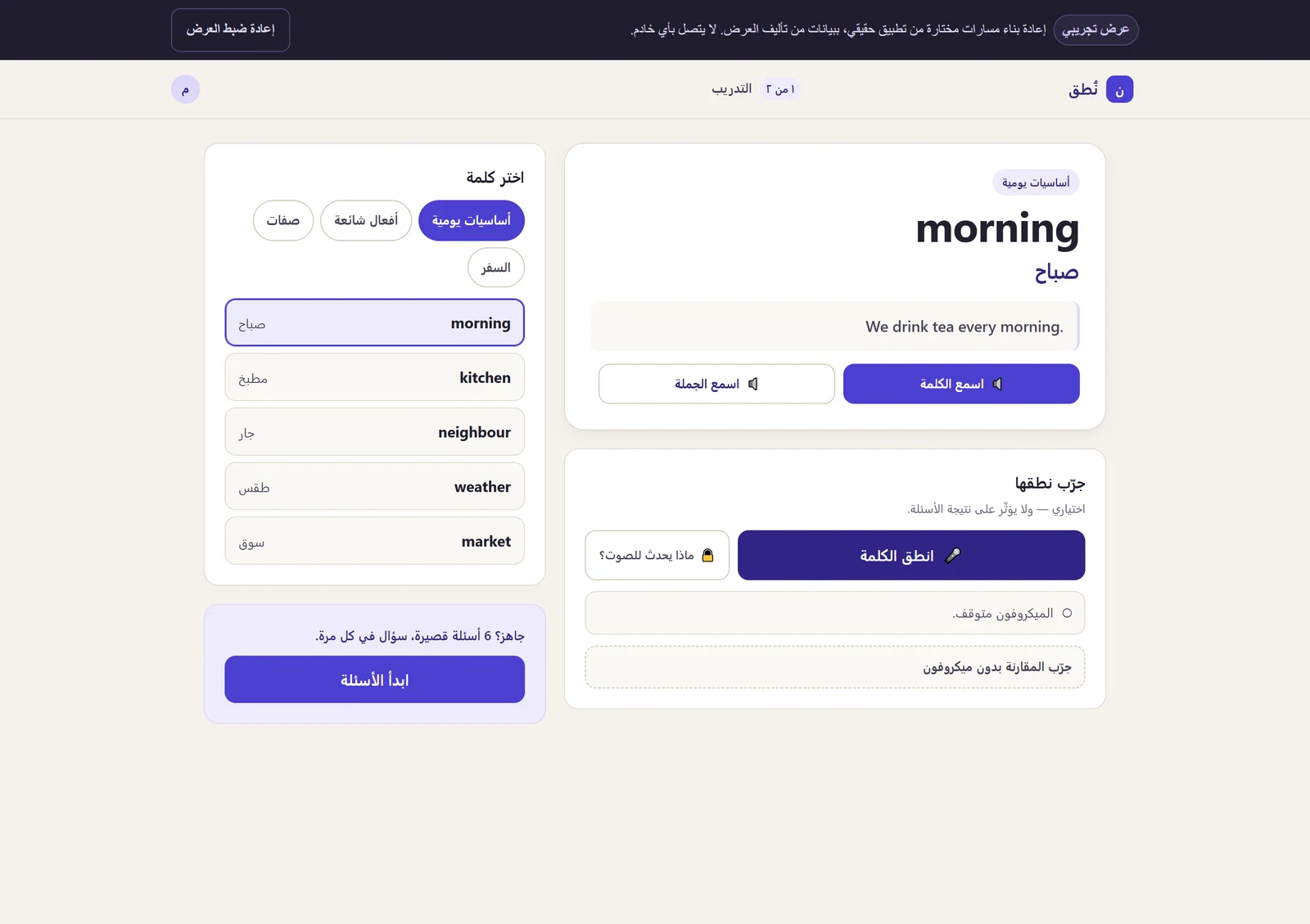
The practice surface keeps the word list, the chosen word and the pronunciation control visible at once. 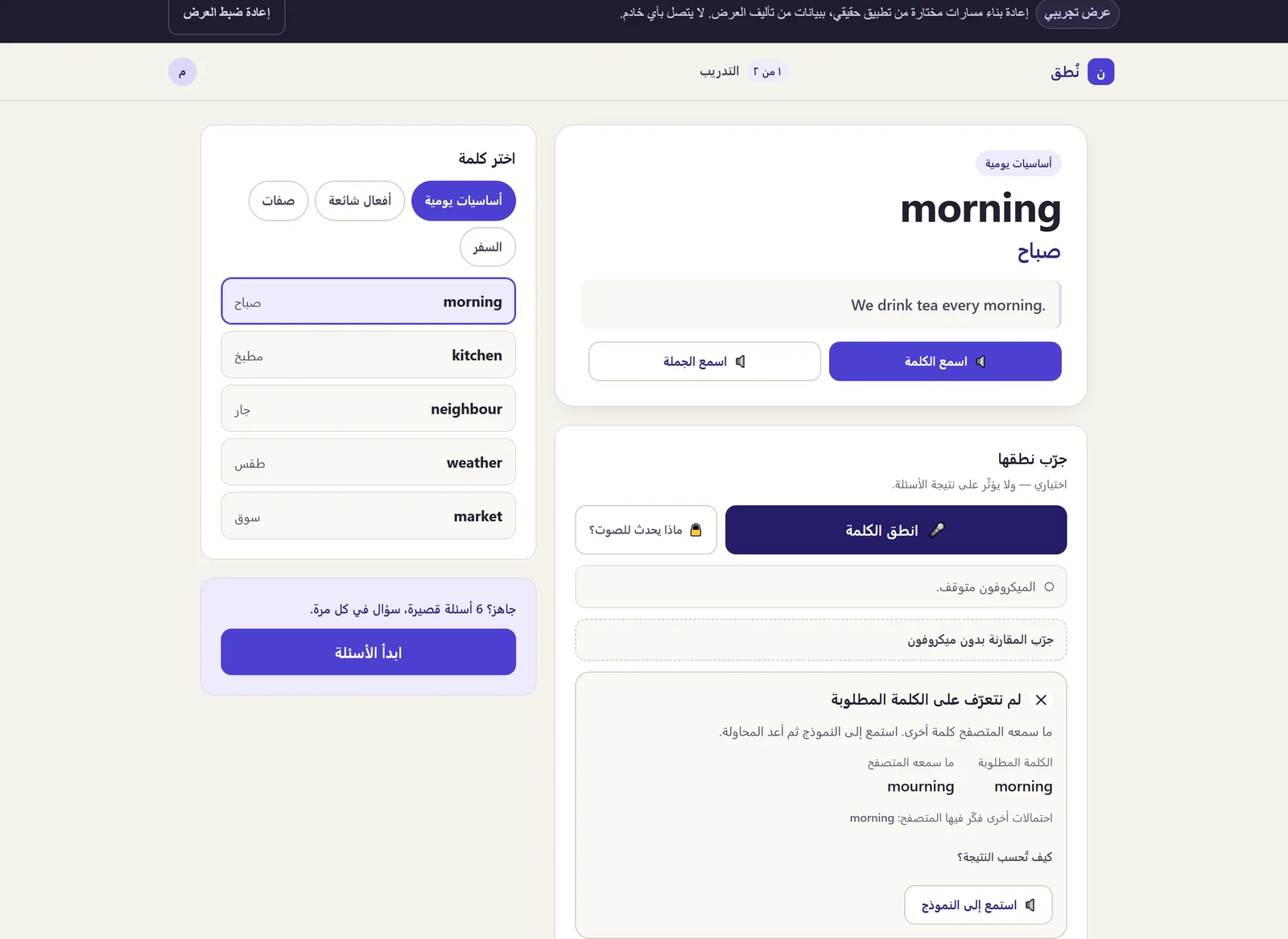
Pronunciation feedback compares what the browser heard with the target word and states that it is optional practice. 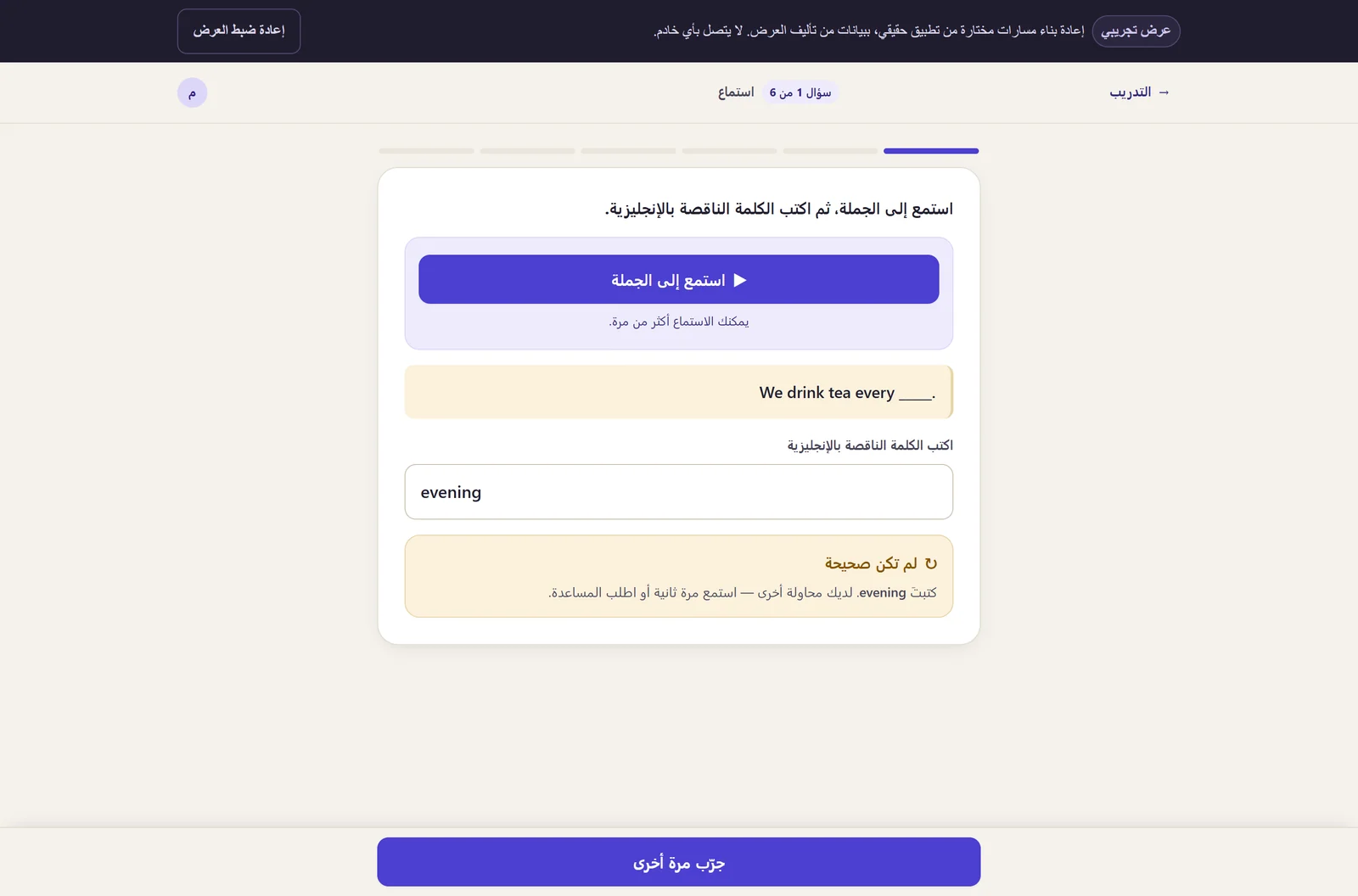
A missed listening question offers assistance rather than moving on, and the answer stays reviewable. 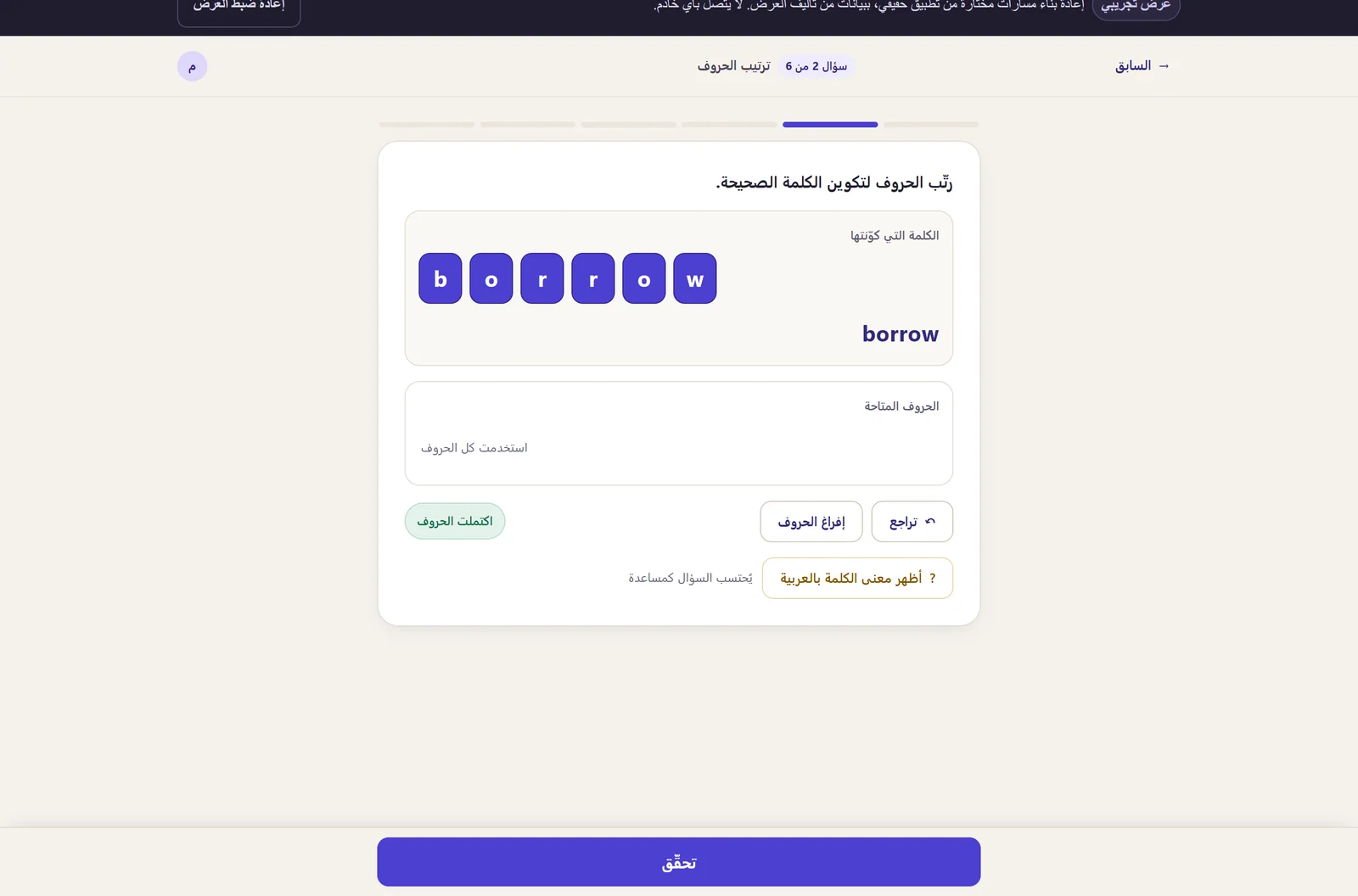
Word ordering is checked as a sequence, so a correct set of words in the wrong order is still wrong. 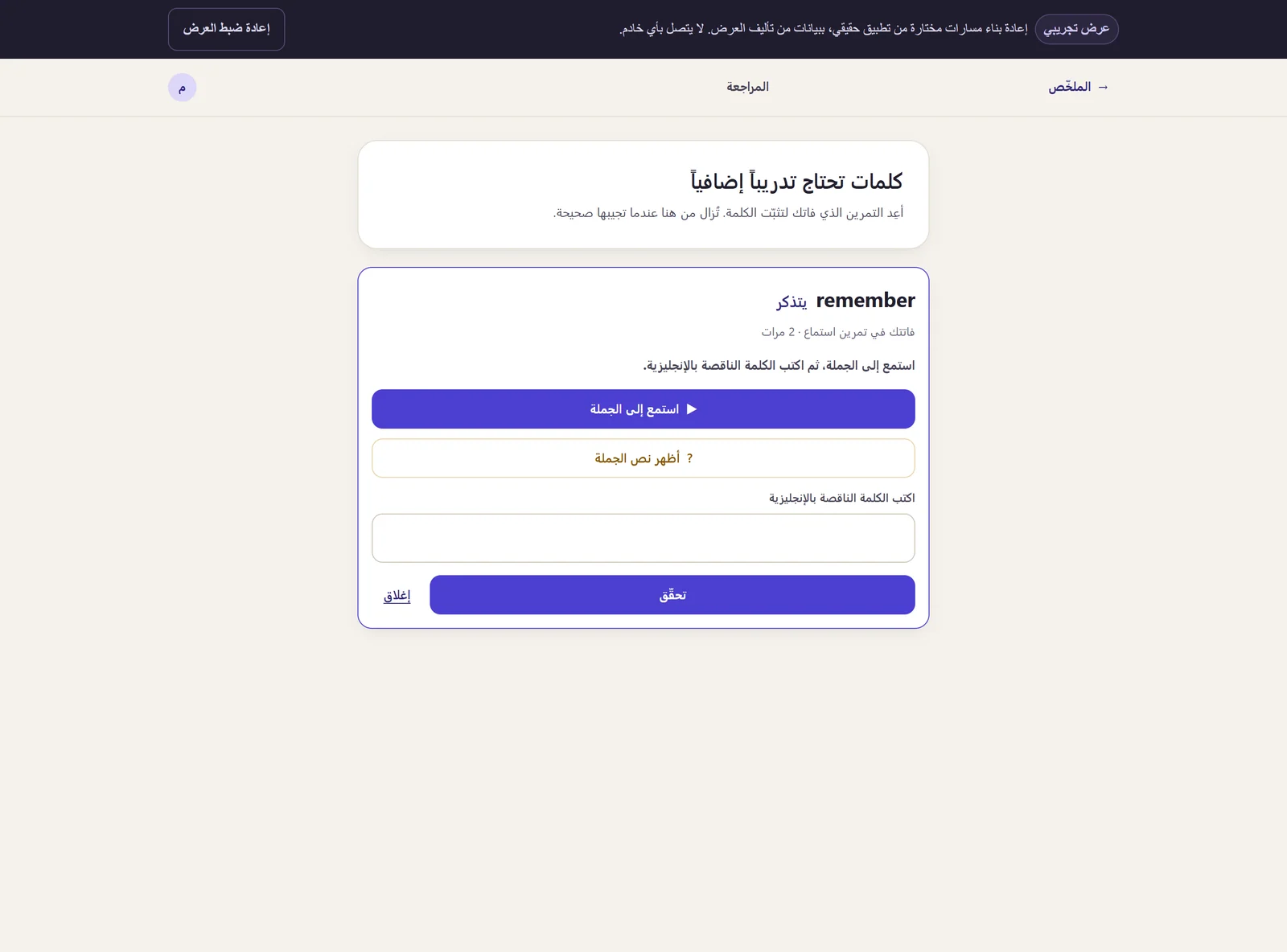
The session score is followed by the missed words themselves, each retryable rather than merely counted. 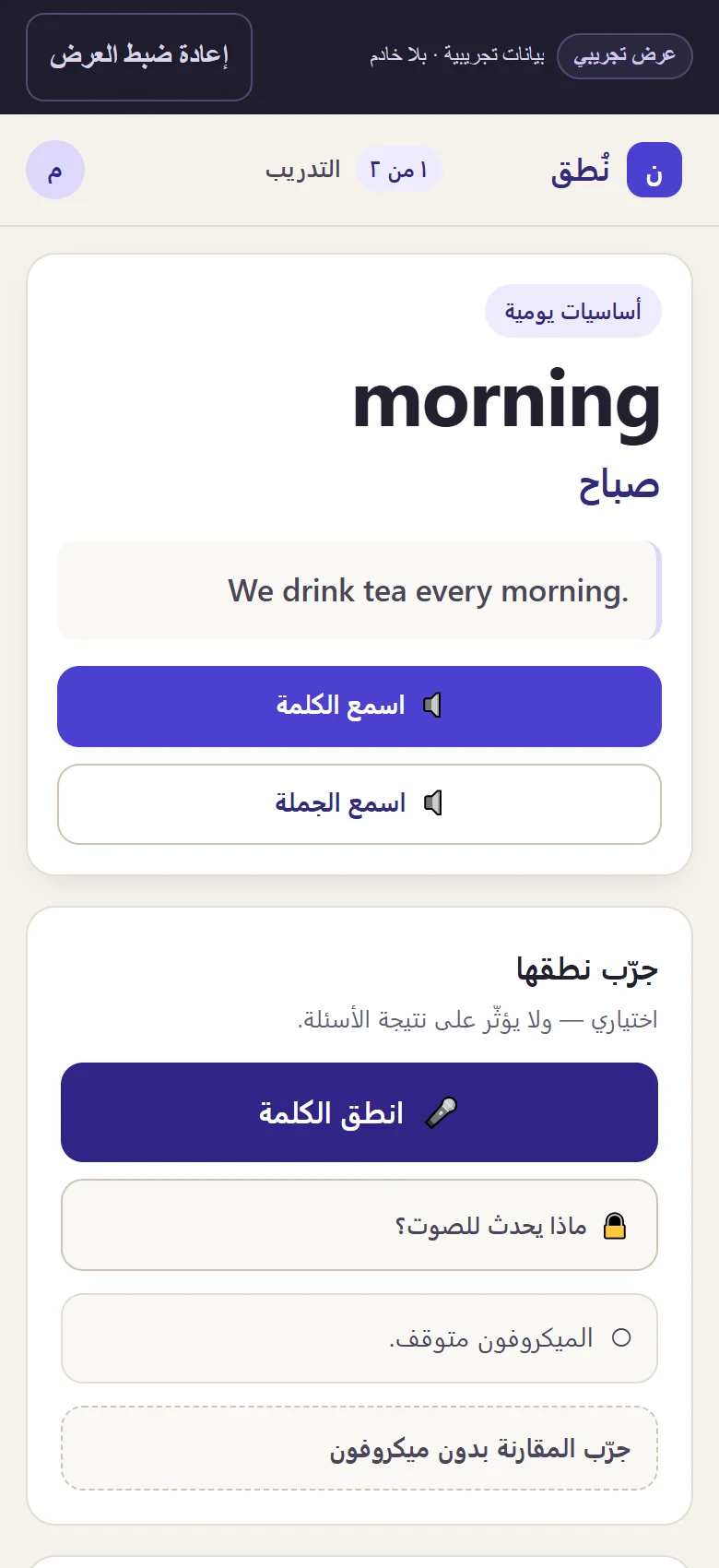
On a phone the same right-to-left practice flow stacks without losing the word, its meaning or the speech controls.
Try the browser speech demo
Open the self-contained browser recreation with fictional vocabulary and move through playback, pronunciation, exercises and review without creating an account.
The application-controlled demo does not record, store or upload microphone audio to a backend of its own. Depending on the browser and platform, a browser or vendor speech service may process microphone audio to produce the transcript.
Pronunciation input uses the browser's own speech recogniser, available in Chrome, Edge and Safari. Everything else works in any modern browser.